
Last updated October 31, 2026
 Wrought iron
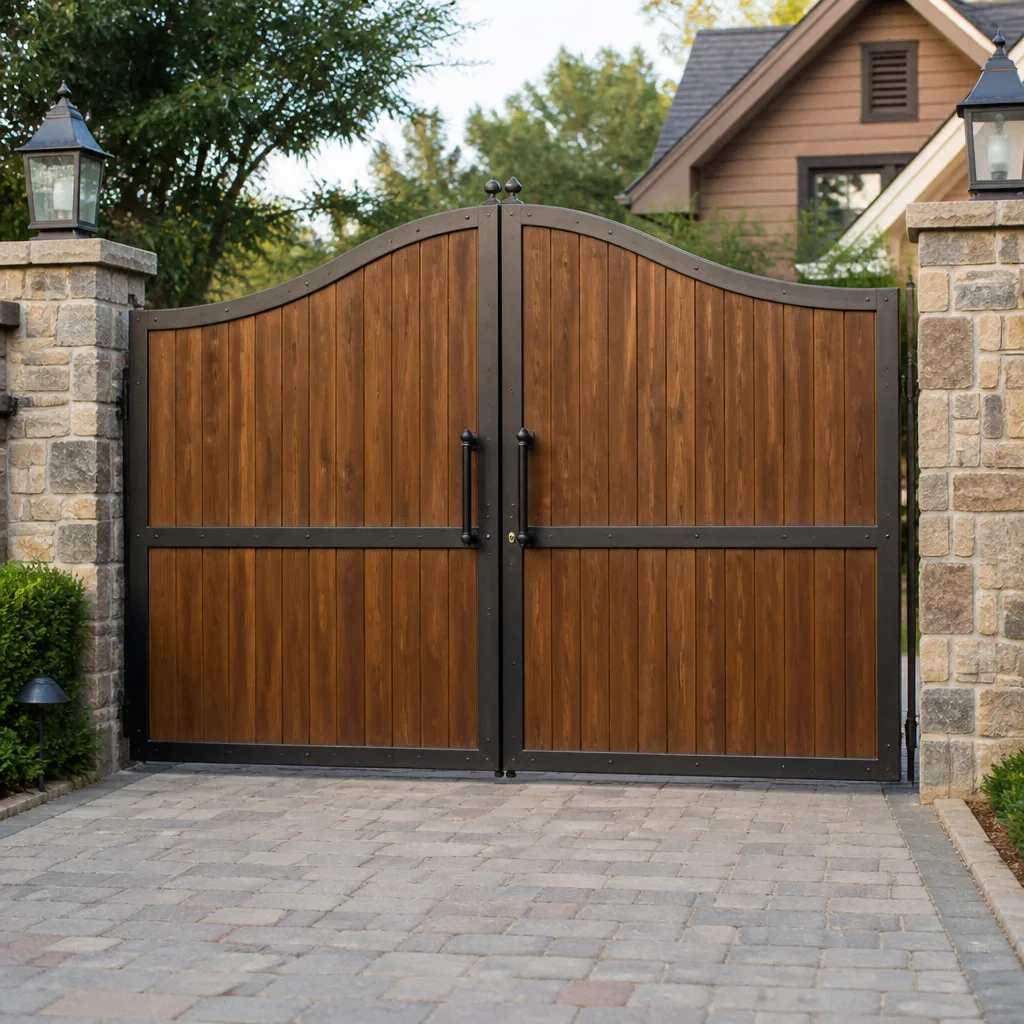 Wood & steel frame
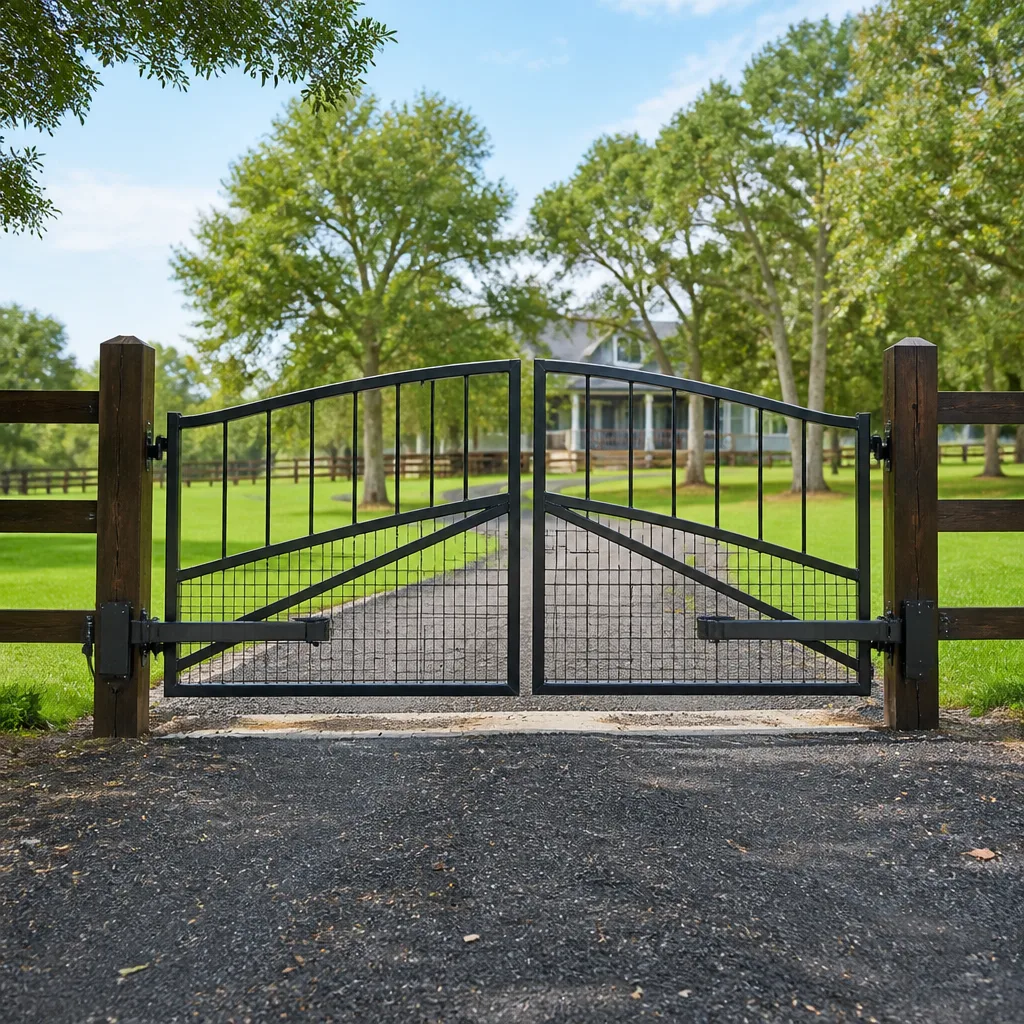 Farm & ranch
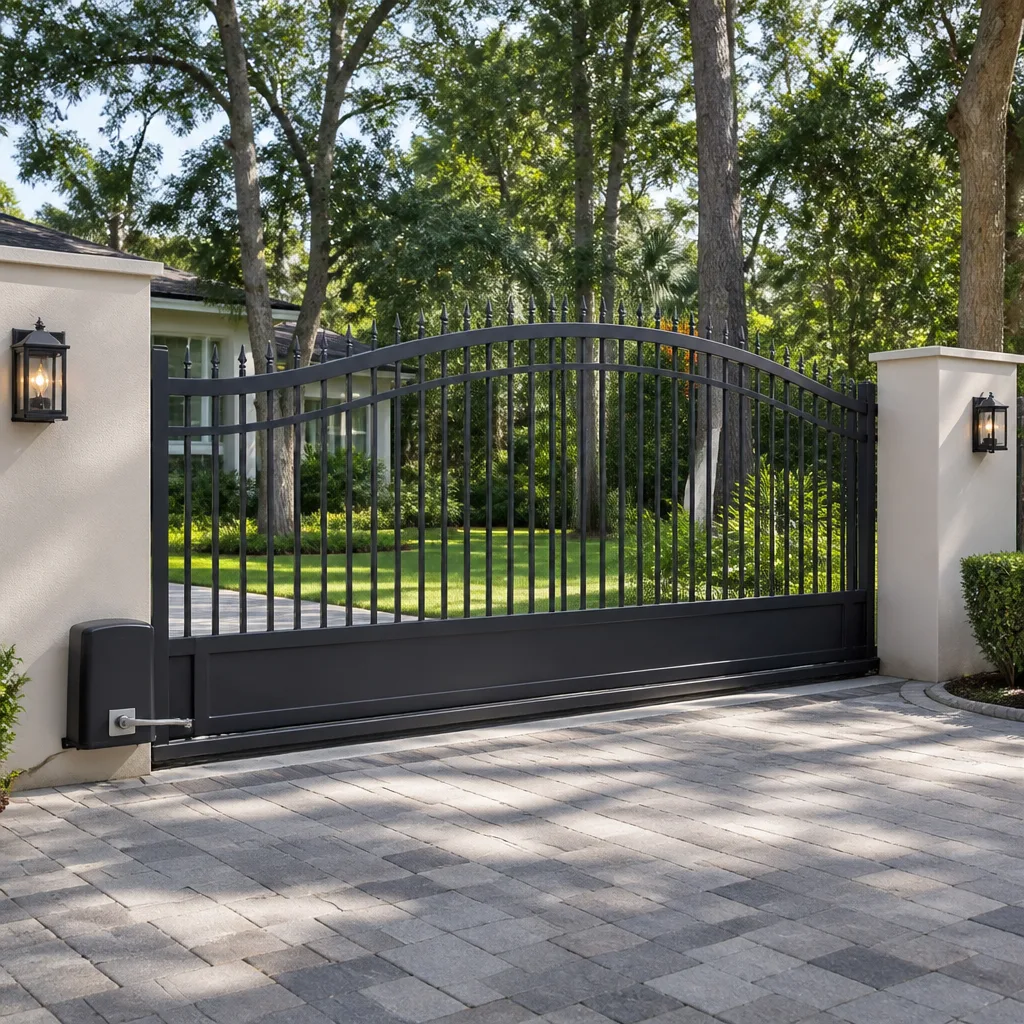 Sliding driveway gates
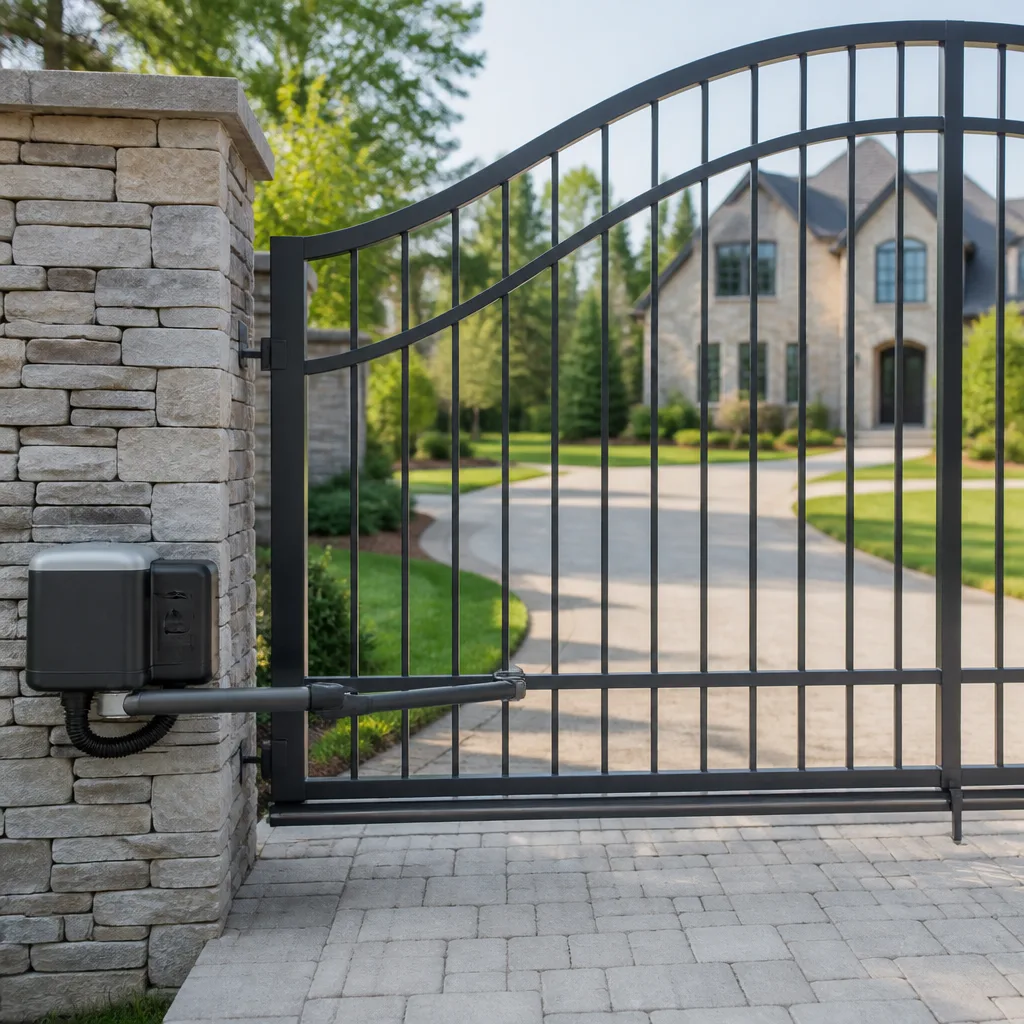 LiftMaster operators
Free on-site gate assessment - hinges, posts, and your LiftMaster or Nice gate operator checked before anything is quoted
The assessment is free and the quote is the invoice.
Get your free estimateGate Repair Troubleshooting: Common Problems and How to Fix Them
A gate that opens but won’t close and a gate that starts moving then reverses look like the same problem to most homeowners, but they have almost no repair steps in common. Confusing the two is the most expensive troubleshooting mistake we see in Tampa, where humidity corrodes limit switches and afternoon thunderstorms trip photo-eye sensors with regularity. This guide maps each symptom to the specific component failure behind it, so you stop guessing and start diagnosing. For related reading, see our Gate Repair Warning Signs: A Tampa Homeowner’s Reference Guide. By the end, you’ll know which fixes you can handle with basic tools, which ones to leave alone, and how to tell the difference before you spend a dollar.
Styles & brands we work with
Quick Answer
Most gate failures trace to one of six root causes: dead remote batteries, misaligned or dirty photo-eye sensors, tripped circuit breakers or GFCI outlets, corroded limit switches, failing capacitors in the operator motor, or a control board that has lost its programming. Start with power and battery checks (free, takes five minutes), then move to sensor alignment, then mechanical binding, and only suspect the control board after the first three layers check out. In Tampa specifically, treat corrosion on limit switches and moisture in the operator housing as prime suspects before replacing anything expensive.
Table of Contents
- The Symptom-to-Cause Decision Tree
- Step One: Power, Batteries, and the Five-Minute Checks
- How to Tell a Mechanical Failure from an Electrical Failure
- Why Swing Gates and Slide Gates Fail Differently
- Safety Interlocks: When the Gate Is Working Exactly as Designed
- DIY Fixes That Hold vs. Fixes That Mask a Bigger Problem
- Common Mistakes to Avoid
- When to Call a Professional
- Frequently Asked Questions
- The Bottom Line
The Symptom-to-Cause Decision Tree
Every gate failure presents as one of six symptoms. Each symptom points to a different layer of the system: power, safety circuit, mechanical drive, or control logic. Here is the decision tree we use on service calls across Tampa, from South Tampa driveway gates to commercial slide operators in Ybor City.
Six symptoms, six diagnostic paths:
- Gate won’t open at all. Start with power. Check the breaker, the GFCI outlet the operator plugs into, and the battery backup if equipped. Then check the remote battery. Nine times out of ten, a completely dead gate is a power delivery problem, not a gate problem. In Tampa, GFCI outlets near gates trip after heavy rain more often than anywhere else we work, because the ground stays saturated and the outlet housing sweats.
- Gate won’t close but opens fine. This is almost always a safety input issue. The photo-eye sensors think something is in the path, or the safety loop in the driveway is detecting a vehicle or metallic object. Clean the photo-eye lenses, check their alignment, and look for anything sitting on the driveway loop area. The control board will refuse to close until that input clears.
- Gate moves then reverses. A gate that reverses mid-travel is sensing resistance. The obstruction sensor is triggering because the gate is meeting physical resistance (a bad wheel, a sagging hinge, debris in the track), or the force sensitivity setting drifted too low. This is a mechanical binding problem masquerading as an electrical problem. Do not crank up the force setting to “fix” it. That masks the binding and eventually burns out the motor or strips the gearbox. LiftMaster and FAAC operators are particularly sensitive to this failure mode on swing gates.
- Gate moves slowly. Slow travel points to low voltage at the operator, a failing capacitor (on AC operators), a dying battery (on DC operators), or mechanical drag in the wheels, hinges, or track. A multimeter at the operator terminals tells you whether the problem is upstream (voltage drop from a long wire run or corroded connections) or downstream (mechanical drag). In Tampa’s humidity, corroded wire connections at the operator board are a frequent cause of voltage drop.
- Gate opens partially then stops. On a slide gate, a partial opening is usually a limit switch that has drifted or corroded. The board thinks the gate reached full open when it didn’t. On a swing gate, partial travel is often a slipping clutch or a failing actuator. Reset the limits if the operator manual gives you a procedure. If the gate stops at the same partial point every time, it’s the limit switch. If it stops at random points, it’s mechanical.
- Remote works but keypad doesn’t. This is a programming or wiring issue, not a mechanical one. The keypad lost its code, its wire connection to the board has corroded (common in Tampa), or the keypad itself has failed. Reprogram the keypad code first. If it still won’t work, check the wire terminals at the control board for corrosion, then test the keypad with a multimeter. BFT and Linear keypads have different programming sequences, so the exact reset steps depend on your brand.
Memorize the tree and you can correctly identify the failed component in about ten minutes using a phone flashlight, a multimeter, and the reset procedures in your operator manual. If you have a LiftMaster, FAAC, BFT, or Linear operator, our team at Kingston Gate Repair home knows the specific reset sequences for each brand’s control board without pulling up a manual.
Step One: Power, Batteries, and the Five-Minute Checks
Before you touch anything on the gate itself, eliminate the power layer. These checks cost nothing and catch roughly half of all “broken gate” calls we run in Tampa. Here’s the exact sequence:
- Locate the operator’s power source. Most residential gate operators plug into a dedicated GFCI outlet inside a weatherproof box near the gate or inside the garage. Check the GFCI reset button. Tampa storms and humidity trip these constantly. If the outlet has no power, check the breaker panel. If the breaker is on and the GFCI won’t reset, the outlet itself may have failed or water has entered the box.
- Check the battery backup. If your operator has a battery backup, it may be in low-voltage lockout after a power outage. Look for a low-battery indicator on the control board. Some operators won’t run the motor at all until the battery charges above a threshold. Let it charge for two hours and try again.
- Check the remote battery. A weak remote battery makes the gate respond intermittently, which homeowners often misread as a failing control board. Replace the battery with a fresh one and retest from the same distance. If the gate works from three feet but not from thirty, the remote battery is the prime suspect.
- Check the wall-mounted keypad or push-button station. If the gate works from the remote but not the stationary control, the stationary device or its wiring is the problem, not the operator. This isolates the failure layer immediately.
- Listen for a click. With the breaker on and power confirmed at the outlet, press the open button on the remote and listen at the operator. A click with no motor movement points to the capacitor (AC operators) or a dead motor. No click at all points to the control board, a blown fuse on the board, or a safety input still active.
These five checks take ten minutes and solve the problem outright in a large share of cases. More importantly, they tell you which layer to investigate next, which saves the expensive mistake of replacing a control board when the real problem was a tripped GFCI.
How to Tell a Mechanical Failure from an Electrical Failure
The highest-value diagnostic skill in our Gate Repair services is separating mechanical failures from electrical failures without special tools. The distinction determines whether you’re buying a $20 part or calling a technician before the damage compounds. Here’s how to separate them using a phone flashlight and basic observation.
Mechanical failure signatures:
- The gate makes grinding, scraping, or squealing noises during travel.
- You can see visible sag at the gate’s free end, or the gate drags on the ground at one point in its arc.
- The gate moves freely by hand (with the operator disengaged) but binds at a specific point.
- The wheels, hinges, or track show visible wear, flat spots, or rust buildup.
- The gate moves at different speeds at different points in its travel, even when the motor sounds consistent.
Electrical failure signatures:
- The gate makes no noise at all when commanded.
- The gate moves smoothly when it does move, but intermittently refuses to respond.
- The gate responds to the remote but not the keypad, or vice versa.
- The operator hums but does not move the gate (capacitor or motor winding failure).
- The gate reverses without any visible obstruction or changed resistance.
Software or logic board failure signatures:
- The gate loses its limit settings or remote programming for no apparent reason.
- The gate behaves differently after a power outage or lightning strike nearby. In Tampa, lightning strikes within a mile are a common cause of control board damage on gate operators.
- The gate opens on its own, closes on its own, or ignores the safety inputs entirely.
- The status LEDs on the board show error codes that don’t match any mechanical finding.
Use a multimeter to check voltage at the operator motor terminals while the gate is commanded to move. If you see full voltage and the motor doesn’t turn, the motor or capacitor is bad. If you see low or no voltage, the control board or upstream wiring is the issue. This single measurement separates the two layers with certainty, and it’s the test we run before ordering any part.
If you’re in the Tampa area and the diagnosis points to the control board rather than a mechanical part, Electric Gate Repair in Tampa is our core service category, covering boards, actuators, safety loops, and wiring across multiple operator brands.
Why Swing Gates and Slide Gates Fail Differently
Generic troubleshooting guides treat all gates the same. That’s why they get swing gate and slide gate diagnostics wrong. The two types fail in fundamentally different ways because their mechanical architectures are different. Here’s what to check on each.
Swing gate specifics:
- Hinge wear is the top mechanical failure. A pair of swing gates weighs hundreds of pounds, and all of that weight hangs on two or three hinges. When the hinges wear, the gate sags, and the sag makes the gate bind against the ground or the latch, which makes the operator work harder, which burns out the motor over time. Check the hinge pins for play: lift the gate at the free end; if it moves more than a quarter inch, the hinges are worn.
- The actuator arm is the top electrical-mechanical interface failure. On operators like FAAC and BFT swing operators, a piston-style actuator or articulated arm drives the gate. Leaking hydraulic fluid (on hydraulic models) or stripped internal gears (on electromechanical models) show up as a gate that starts to move then stops, or a gate that sags to one side when the operator is disengaged.
- Closing is harder than opening. A swing gate that opens but won’t close is frequently meeting resistance: a hinge that binds at a specific angle, a latch that won’t align, or a sagging gate that scrapes the ground only on the closing arc. Clean and lubricate the hinges, adjust the latch, and watch the gate’s arc with a flashlight at night to spot ground contact.
Slide gate specifics:
- Track and roller wear is the top mechanical failure. Slide gates roll on steel wheels along a track or a cantilever rail. Debris, sand, and Tampa’s frequent rain wash grit into the track, which wears the wheel bearings and causes the gate to drag. A dragging slide gate overloads the motor exactly like a sagging swing gate does.
- Limit switches fail differently. On slide gates, the limit switches sit inside the operator housing or along the track, and they tell the board where full open and full closed are. In Tampa humidity, these switches corrode, which causes the gate to stop short or overtravel. Clean the limit switch contacts with electrical contact cleaner and reset the limits per the operator manual.
- The chain or belt is the forgotten wear item. Many slide operators use a chain or belt drive. Over years, chains stretch and belts crack. A stretched chain slips on the drive sprocket, which presents as a gate that shudders or stops partway. Inspect the chain tension and the belt condition once a year.
This swing-vs-slide distinction is why we ask what type of gate you have before anything else. The right questions lead to the right diagnosis, and the right diagnosis is what gets a gate fixed in one visit instead of three.
Safety Interlocks: When the Gate Is Working Exactly as Designed
Some gate behaviors that look like malfunctions are the safety system doing its job. Calling a repair technician for a gate that is working correctly wastes money, and we tell customers in Tampa this regularly. Here are the safety interlocks that produce “false” symptoms:
Photo-eye reversal. The most common “broken gate” call we get. The gate closes partway, then reverses. In most cases, the photo-eye beams across the gate opening are misaligned, dirty, or obstructed. The gate’s control board interprets the broken beam as an object in the path and refuses to close. This is correct, safe behavior. Clean both lenses with a soft cloth, check that the beams align (most photo-eyes have an alignment LED that turns solid when aligned), and remove any leaves or debris near the beam path. If the gate still won’t close, then you have a component failure.
Safety loop detection. In-ground induction loops (saw cuts in the driveway with wire embedded) detect the metal mass of a vehicle and hold the gate open or reverse it. If a car, a metal toolbox, or even a large metal trash can sits on or near the loop, the gate may refuse to close. Move the object and retest.
Force-sensitivity reversal. Every modern operator has an obstruction-detection circuit that monitors motor current. If the gate meets resistance, the board reverses the gate to prevent injury or damage. When the force setting drifts too sensitive, even normal gate resistance triggers the reversal. If your gate reverses consistently at the same point but you see no obstruction, the force setting may need adjustment. This is a one-screw adjustment on most LiftMaster, FAAC, BFT, and Linear boards, but the exact procedure is brand-specific.
Low-battery lockout. On operators with battery backup, a deeply discharged battery can place the board in a protection mode that refuses to run the motor until the battery reaches minimum charge. Leave the operator powered for several hours and retest before assuming the board is bad.
Checking these four interlocks before calling for service saves you a dispatch fee. If the interlock checks out and the gate still misbehaves, Gate Repair in Tampa is our primary service page with the full scope of what we diagnose and repair.
DIY Fixes That Hold vs. Fixes That Mask a Bigger Problem
We’re realistic about what a homeowner can and should fix. Some repairs hold for years. Others buy you a few weeks while the underlying failure gets worse and more expensive. Knowing which is which saves real money.
DIY fixes that reliably hold:
- Remote battery replacement. Two minutes, a two-dollar battery, and the problem is permanently solved until the next battery dies.
- Photo-eye cleaning and alignment. Wipe the lenses, adjust the alignment, and the reversal stops. If the photo-eye itself is bad, replacement is still a legitimate DIY job if you can match the part number.
- Hinge lubrication. A silicone or lithium spray on swing gate hinges reduces binding and extends operator life. Do this twice a year in Tampa’s humidity, and you’ll prevent the sag-and-bind cycle that destroys motors.
- Track cleaning on slide gates. Clearing sand, leaves, and gravel from the track is a free fix that addresses the most common cause of slide gate drag.
- Keypad reprogramming. If the keypad just lost its code, following the reprogram instructions for your brand restores it. This is a software fix, not a hardware repair.
DIY “fixes” that mask a worsening problem:
- Cranking up the force or sensitivity setting to stop reversals. If the gate is reversing because of mechanical binding, raising the force setting overrides the safety system and forces the gate through the bind. The binding gets worse, the motor overheats, and the final repair bill includes a new motor or gearbox instead of a hinge or wheel replacement. Never do this.
- Manually freeing a stuck gate without fixing the cause. A gate that sticks on one part of its travel will stick again. If you free it and ignore the cause, the next failure may leave the gate jammed open (a security issue) or jammed closed (an access issue).
- Resetting the limits without finding why they drifted. Limit switches drift for reasons: corrosion, vibration, looseness in the mounting. Resetting the limits is a legitimate fix, but if the switch keeps drifting, a corroded or failing switch is the root cause, and the reset just postpones the repair.
- Replacing the remote when the board is the problem. If the board has lost its receiver programming, a new remote won’t pair either. Test by trying a second already-paired remote. If neither works, the board receiver is the problem.
- Bypassing the photo-eye sensors. Some homeowners jumper the photo-eye wires to force the gate to close. This permanently disables a safety device designed to prevent the gate from closing on a child, a pet, or a car. Do not do this. If the photo-eye fails, replace it, don’t bypass it. A gate that closes on a child is a life-changing incident, not a repair shortcut.
For most Tampa homeowners, the practical line is: battery and cleanliness fixes are yours. Mechanical component replacement (hinges, wheels, chains, actuators) and anything involving the control board or safety circuit belongs to us. If you want a second opinion on which side of the line your problem falls on, Gate Installation in Tampa is our page covering full system work, including advice on when repair stops making sense and replacement starts making more.
Common Mistakes to Avoid
- Assuming the remote is the problem when the gate is dead. A dead remote doesn’t stop a gate from responding to the keypad or the wall button. If the gate is dead across all inputs, the problem is power or the board. Test all inputs before buying a remote.
- Replacing the control board after a lightning strike without checking the transformer and wiring. Tampa’s afternoon lightning storms damage boards, but they also damage the low-voltage transformer and the wiring between the board and the safety devices. A new board on a damaged transformer fails again within weeks.
- Ignoring a slow gate. A gate that moves slowly is telling you something: low voltage, a failing capacitor, or mechanical drag. Every slow cycle overworks the motor. What starts as a $30 capacitor replacement becomes a $600 motor replacement if ignored for six months.
- Lubricating the track on a slide gate. Slide gate tracks are meant to roll, not slide. Lubricant on the track attracts sand and grit, which accelerates wheel bearing wear. Run the track dry, and lubricate the wheel bearings instead.
- Treating a gate that reverses as a safety sensor problem before checking for mechanical binding. A photo-eye misalignment and a binding hinge both cause reversals. If you realign the photo-eye and the reversal continues, check for mechanical resistance. Fixing the wrong layer wastes time and, if you call a technician who does the same, your money.
- Resetting the limits on a gate that has visibly sagged. A sagging swing gate cannot be cured with limit adjustments. The sag is mechanical wear; the limits are electrical settings. Adjust the limits, and the gate still binds. Fix the sag first, then reset the limits.
When to Call a Professional
Call a gate specialist when the problem involves high-tension springs, the gate’s weight-bearing hinges or posts, anything connected to the control board, or any wiring you’re not completely comfortable testing with a multimeter. A swing gate under tension stores enough energy to cause serious injury if a hinge or spring lets go while you’re under it. Slide gates that bind under power can crush a hand or foot before the safety circuit reacts. If the gate makes a loud bang, if you see cracked welds or leaning posts, or if the operator hums but won’t turn, stop and call someone who does this every day. Kingston Gate Repair offers free estimates in Tampa. Call (877) 752-3303 and describe the symptom; we’ll tell you over the phone whether it’s a safe DIY fix or a service call.
Frequently Asked Questions
Gate repair in Tampa typically runs $150 to $450 for most component-level fixes, including photo-eye replacement, limit switch replacement, keypad reprogramming, and actuator adjustments. Complete control board replacement or motor replacement runs higher, usually $500 to $1,200 depending on the brand and the operator’s horsepower. The price is quoted and agreed before any work starts, so the invoice matches the quote. Call (877) 752-3303 for an exact quote; estimates are free.
A gate that opens but won’t close is almost always a safety input issue: dirty or misaligned photo-eye sensors, an obstruction on the safety loop, or a force-sensitivity setting that has drifted too sensitive. Clean the photo-eye lenses and check alignment first. If the problem persists, the photo-eye may have failed and needs replacement.
In most cases, yes. We carry parts for LiftMaster, FAAC, BFT, and Linear operators on the truck, which lets us diagnose and repair in one visit more often than not. Call (877) 752-3303 with your symptom and brand, and we’ll tell you what to expect before we dispatch.
A gate that stops mid-travel and reverses is meeting mechanical resistance or triggering the obstruction sensor because the force setting is too sensitive. Check for binding hinges on a swing gate, debris in a slide gate track, or a sagging gate that scrapes the ground. If no binding is visible, the force setting likely needs adjustment on the control board.
We service LiftMaster, FAAC, BFT, Linear, Viking, Ghost Controls, DoorKing, Elite, and Mighty Mule. That covers the operators on most Tampa driveways and commercial access points. Mention your brand when you call, and we’ll confirm the technician carries the parts for your specific model.
Resetting the limits is safe if you follow the operator manual’s procedure and stay clear of the gate’s pinch points while testing. The risk is not the reset itself; it’s ignoring why the limits drifted. If the limits keep drifting after a reset, the limit switch is failing or corroded and needs replacement. If you’re unsure, call (877) 752-3303 and we’ll walk you through the reset for your specific brand.
The Bottom Line
Gate troubleshooting is a layer-by-layer process: power first, then safety inputs, then mechanical condition, then control board logic. Most failures present as one of six symptoms, and each symptom points to a specific component layer. A gate that won’t close is usually a photo-eye or safety loop issue. A gate that moves then reverses is usually mechanical binding. A gate that’s dead across all inputs is usually power. Matching the symptom to the correct layer is the difference between a $20 fix and a $600 mistake. In Tampa’s humidity and storm season, corrosion and lightning damage add two more suspects to every diagnosis, which is why the first question we ask is the symptom, not the brand. Get that answer right, and the rest of the repair follows.
Written by the team at Kingston Gate Repair, serving Tampa since 2013. Explore more guides & resources on our blog.
See the difference
 Before
 After
After Before
 After
After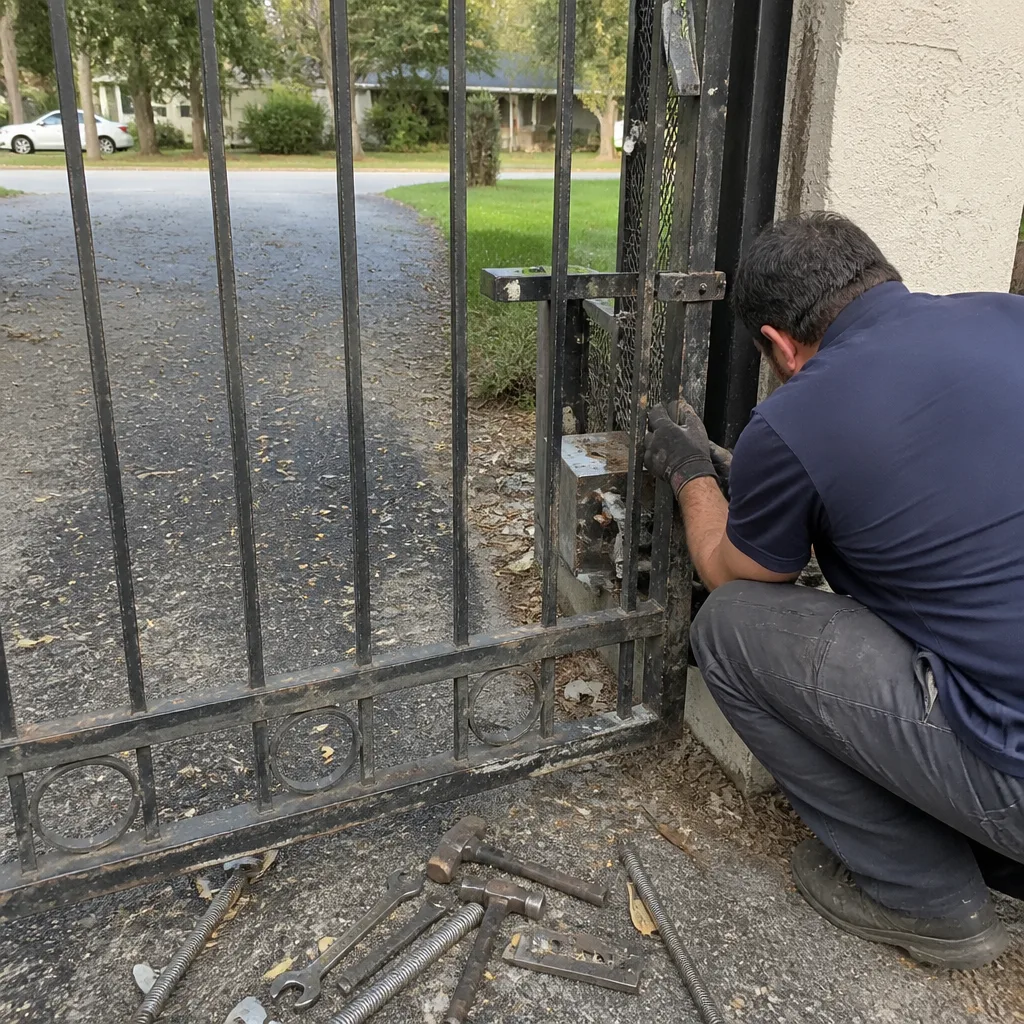 Before
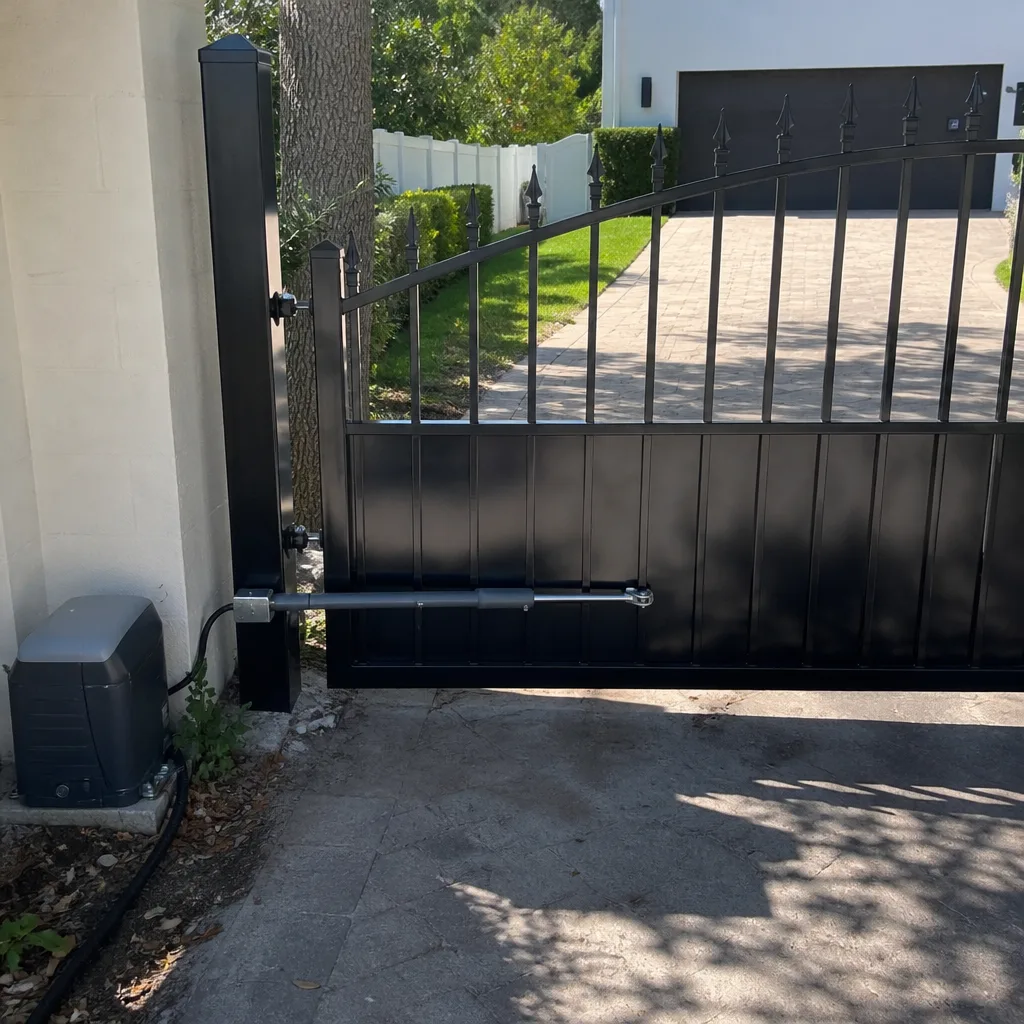 After
After